
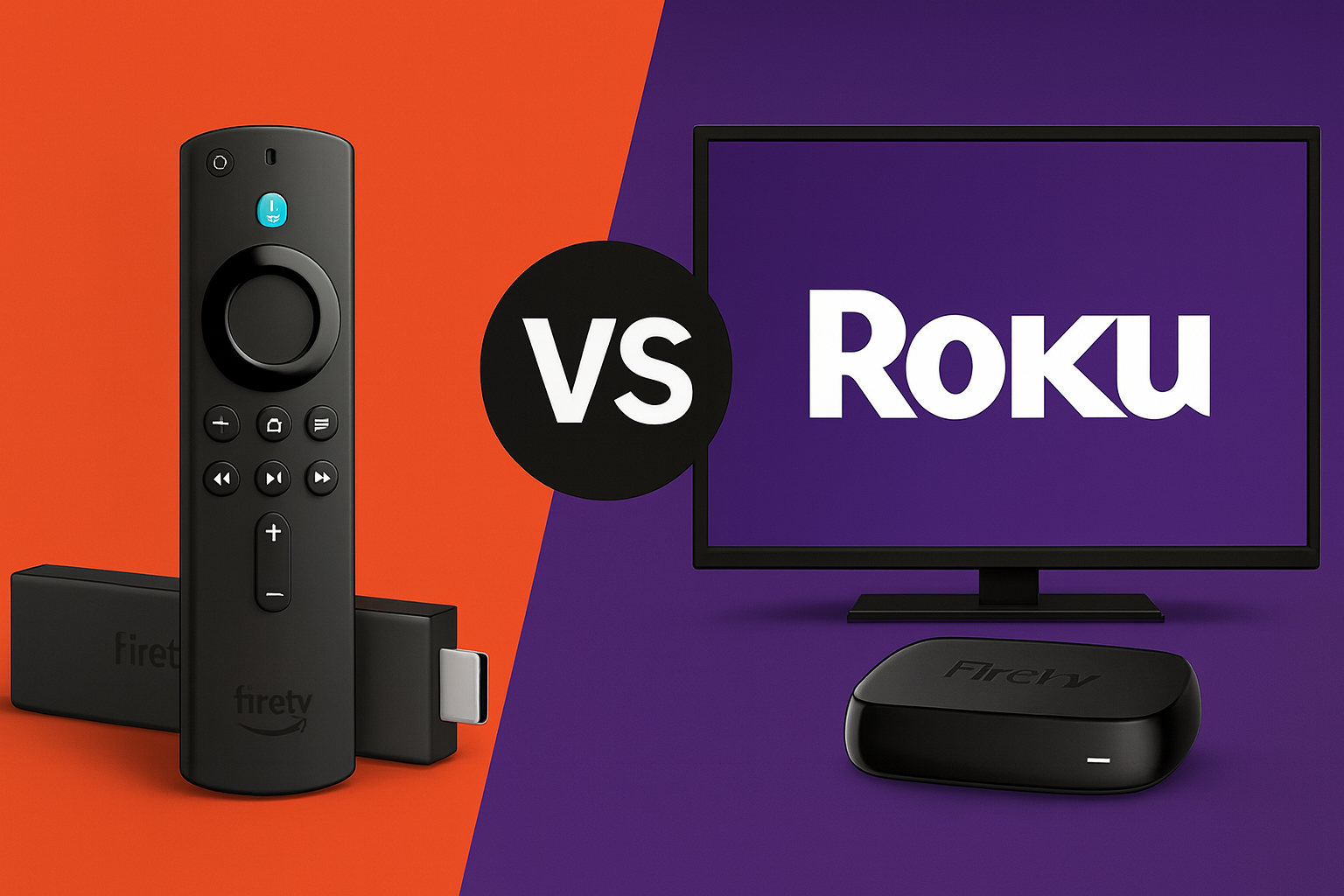
Introduction: If you’re choosing between an Amazon Fire TV Stick and a Roku TV for streaming, understanding their differences matters — especially for installing apps and watching IPTV. Roku’s closed platform generally does not allow third‑party app installs, while Amazon’s Fire TV Stick (Firestick) traditionally offers more openness and sideloading options. Below we compare Firestick vs Roku Tv across operating system, app availability, IPTV support, price, and ease of use, plus a short note on legality: using IPTV or third‑party apps can raise copyright and security issues, so prefer licensed services and trusted sources. This guide will help you decide which device best fits your needs and HDMI setup.
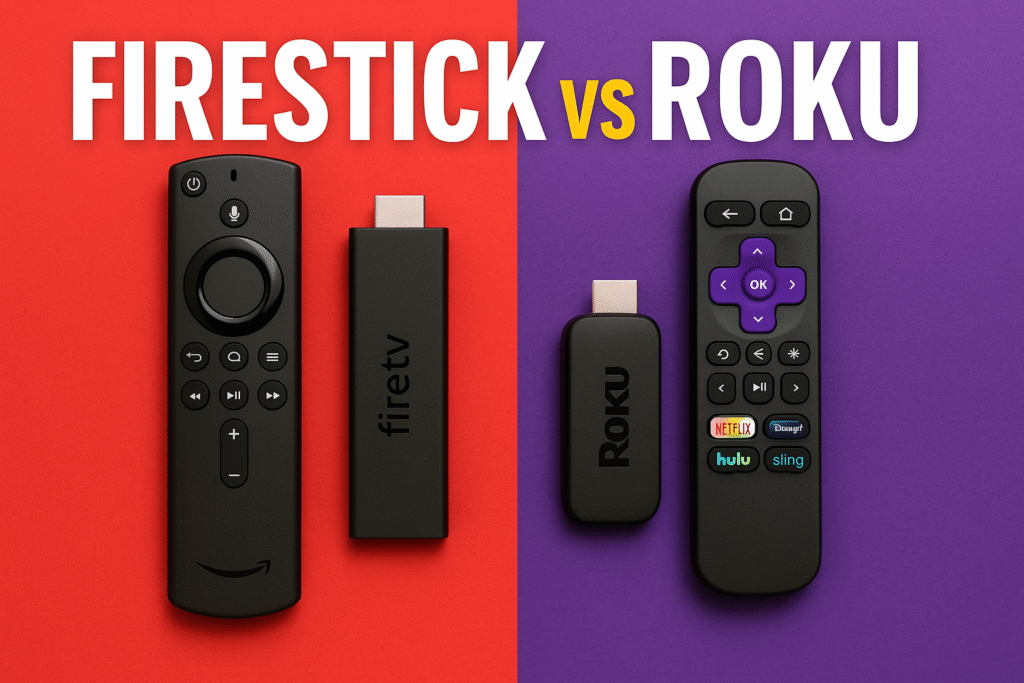
Quick Comparison of Firestick vs Roku
- Operating System: Firestick runs on Fire OS (Android) — an open platform that generally lets you install apps from outside the Amazon Appstore — whereas Roku’s OS is closed, supporting only apps from the official Channel Store. This OS difference is the main factor driving flexibility Fire TV devices behave more like an Android streaming stick, while Roku prioritizes a tightly controlled, consistent interface.
- App Installation (Sideloading): Amazon Fire TV Sticks support sideloading of apps — you can add APKs (for example, Kodi or TiviMate) via tools like Downloader or the Amazon Appstore. Roku devices do not offer a practical way for average users to install third‑party apps; Roku removed private (non‑certified) channels in 2022 and limits installs to its Channel Store. If you need true third‑party apps, Firestick is the simpler option.
- IPTV & Free Streaming: Because of sideloading, Firestick is typically better for IPTV and free streaming. Users can install IPTV players and streaming APKs to watch live TV, sports, and more (examples: IPTV Smarters, Smart IPTV). On Roku, custom IPTV apps are blocked, so many cord‑cutters report that a Firestick or Android box is recommended if you rely on third‑party streaming sources.
- Price & Value: Both Roku and Fire TV products are affordable (entry models often start around $30 for HD sticks; 4K models around $50 — prices vary by sale and region). Firesticks often provide strong value because their openness can let you access more free or low‑cost content without extra subscriptions. Roku’s upfront cost is similar, but its closed ecosystem may mean paying for more services long term if you don’t use side‑loaded apps.
- User Experience: Roku’s interface is simple and easy to use — good for non‑technical users — and Roku curates content aggressively. Fire TV’s interface is more feature‑rich with Alexa voice control, personalized suggestions, and deeper settings; however, it can promote Amazon content on the home screen. Both platforms show some ads; users often note Roku’s home‑screen promotions are more prominent, while Firestick (being Android‑based) gives enthusiasts ways to customize the interface or reduce ads with alternate launchers. Importantly, Firestick supports VPN apps natively for privacy on the device itself, while Roku cannot run VPN apps directly (you can only protect Roku traffic via a router‑level VPN or a shared connection).
Operating System & App Installation: Open vs. Closed
One of the clearest differences between these devices is the operating system. Amazon Fire TV Sticks run Fire OS, which is built on Android, so a Firestick behaves like an Android streaming stick. That open platform and flexible system lets you change settings, install apps from the Amazon Appstore, or sideload APKs via tools such as the Downloader app. Enabling sideloading (sometimes loosely called “jailbreaking”) is typically a settings toggle on compatible Fire TV models; once enabled, you can install apps like Kodi, IPTV players, web browsers, and other third‑party software.
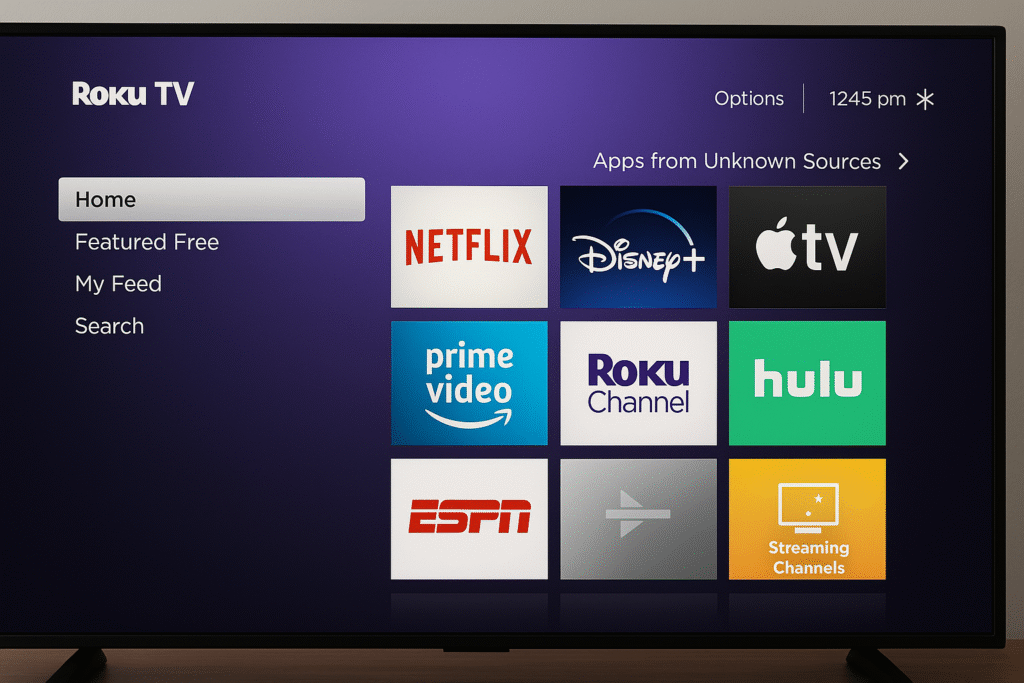
Roku’s operating system, by contrast, is closed. Whether you use a Roku streaming stick or a Roku smart TV, you cannot install apps that aren’t in Roku’s official Channel Store. Roku does not run Android and does not support APK files. Roku previously offered “private channels” (unlisted apps added with a code), but Roku removed non‑certified private channels in February 2022, so there is no officially supported way to sideload apps on Roku today. While a hidden developer mode exists for channel testing, it’s not a practical route for most users who want third‑party apps.
In short: the Firestick platform gives you more control over apps and the device setup, while Roku’s system emphasizes consistency and a curated experience. Keep in mind that instructions and app availability change over time — check your device’s settings and model documentation before attempting sideloading. Also note a brief legal reminder: installing or using apps to access unlicensed content can violate copyright and expose your device to security risks; prefer licensed services and trusted sources.
Firestick vs Roku TV: App Support & IPTV Compatibility
When it comes to the major streaming services, both Roku and Fire TV will have you covered.All the popular apps like Netflix, YouTube, Amazon Prime Video, Disney+, Hulu, HBO Max, etc. are available on both platforms, and using those official apps feels basically the same on Roku vs Firestick. If your needs are limited to mainstream services, either device will handle streaming your favorite shows and movies. Roku’s Channel Store is especially broad — it lists thousands of official entries (often quoted as over 5,000 channels/apps) covering big services and niche options — while Firestick’s Amazon Appstore has fewer listed apps but includes every major service and many third‑party favorites.
The real difference appears when you want more than just the basics.Amazon’s Firestick allows you to go beyond the official catalog because it runs on an Android‑based platform. You can sideload APK installer files or install apps not listed in the Appstore, opening up thousands of additional streaming options — international TV apps, retro game emulators, and apps that advertise free movies or sports. Common examples include installing Kodi or specialized IPTV apps to access content not available through official channels. You can also add web browsers or custom launchers to change how the device looks and behaves. In short, Firestick can access many “unofficial” content sources more easily than Roku.
On Roku, you simply don’t have this flexibility. If a service or app isn’t in the Roku Channel Store, you can’t install it on the device. That means there’s no native Kodi, no dedicated IPTV client apps, and no built‑in web browser on most Roku models. Some users work around these limits by casting or mirroring from a phone or PC, or by using Plex to serve personal media, but those are partial solutions compared with installing an app directly on the device. This closed approach is deliberate: Roku aims to keep the platform curated and reduce unauthorized content, but the trade‑off is less freedom. With a Firestick you decide what to install, which often makes it easier to access free or low‑cost content. As one streaming expert notes, the Firestick’s sideloading capabilities let users find additional movies, TV shows, live channels, and sports — greatly expanding what you can watch if you’re willing to manage apps and security yourself.
Better for IPTV and “Cord-Cutter” Streaming Needs
If your goal is to watch IPTV (Internet Protocol TV) or use apps that stream live channels outside the usual big-name services, a Firestick is generally the better choice. Many IPTV services — both licensed subscription providers and free streams — require an app that isn’t available in closed app stores. On Fire TV devices you can install popular IPTV player apps such as TiviMate, IPTV Smarters, Smart IPTV (when available) by downloading them from the Amazon Appstore or sideloading APKs. The Amazon Fire (Firestick) platform’s Android roots make this straightforward, which is why many IPTV providers recommend using an Amazon Fire TV or Android box for compatibility.
On a Roku TV or Roku streaming stick, however, running custom IPTV clients is difficult. Roku doesn’t offer apps like IPTV Smarters, and since 2022 it removed support for private (non‑certified) channels, so there is effectively no easy way to load your own IPTV playlist directly on the device. The usual workaround is screen mirroring or casting an IPTV stream from your phone or computer — a clunky, less reliable option for live TV. For many cord‑cutters, that limitation makes Roku a poor fit if third‑party streaming apps are central to their setup.
The Firestick has long been popular in the cord‑cutting community because it’s easy to enable sideloading and add a wide range of streaming apps, including IPTV players. That flexibility helped models like the Fire TV Stick 4K become best‑sellers among users who wanted to cut the cord. As one tech guide observed, Roku’s closed OS makes it hard to add unofficial apps, so many recommend the Amazon Firestick 4K for its low price and app freedom. In short: if you prioritize installing third‑party streaming apps and accessing additional content sources, the Firestick is the more capable device compared with a Roku.
Practical tips & legal note — Always prefer licensed IPTV services and vetted apps to reduce legal and security risks. If you choose IPTV on a Firestick, consider these quick tips:
- Choose a reputable IPTV app (TiviMate, IPTV Smarters, Smart IPTV) and follow provider setup instructions.
- If sideloading, use trusted APK sources and keep the device updated in Settings to reduce security risk.
- Use a VPN on supported Firestick models for privacy when streaming (note: Roku cannot run VPN apps directly).
- Use a VPN on supported Firestick models for privacy when streaming (note: Roku cannot run VPN apps directly).
- If you already own a Roku streaming stick and need IPTV, the simplest way is to use your phone to cast the stream — but for a permanent solution we recommend switching to a Fire TV Stick (see model recommendations later).
New Fire TV Stick 4K “Select” – A Important Exception!
Before we conclude, and especially for anyone comparing Firestick vs Roku TV, here’s a crucial warning for prospective Firestick buyers. Reports emerged about a newer Fire TV model called the Fire TV Stick 4K “Select,” and іt appears different from previous Firestick releases. The coverage indicates the 4K Select runs a more locked-down OS (referred tо by some as “Vega OS”), which іs not based оn the Android-backed Fire OS used by traditional Fire TV devices.
What does this mean for the Firestick vs Roku TV debate?
If a Fire TV model lacks sideloading, it functions much like a Roku in terms of app restrictions — you’re limited to whatever the manufacturer permits in its Appstore and cannot install APKs or many IPTV apps. For buyers seeking the traditional Firestick freedom, that makes model selection important: early buyers of more restricted units reported frustration with missing apps and reduced flexibility. Because this is a fast‑moving area, treat these reports as time‑sensitive and confirm the specific model’s OS and capabilities before purchase (see Fact‑Check note).
The good news is that at the time of those reports, most other Fire TV models still run the familiar Fire OS (Android‑based) and continue to support sideloading and third‑party apps. If you want streaming freedom, prefer the proven Android‑based options: Fire TV Stick 4K Max, the earlier Fire TV Stick 4K, or the Fire TV Cube — these devices are known to work well with IPTV apps and sideloading. Lower‑cost models like the Fire TV Stick Lite and older sticks also support sideloading (though performance may be slower). In short: verify the model and OS before you buy, and if app flexibility matters, choose a confirmed Android‑based Fire TV device rather than any model advertised as locked or “Select.”
- Fire TV Cube (2nd/3rd Gen) – ✅ Works with all apps (Fire OS, Android‑based)
- Fire TV Stick 4K / 4K Max – ✅ Works (Fire OS)
- Fire TV Stick Lite / older models – ✅ Work with sideloading (just slower)
- Fire TV Stick 4K Select (reported “Vega OS” model) – ❗ May not support sideloading or many IPTV apps; verify before buying
Firestick vs Roku TV – Which One Should You Choose?
For most people who want a capable, budget‑friendly streamer, the Amazon Firestick is the better choice over Roku. Because the Firestick platform is Android‑based, it typically provides more value and capability for the price — third‑party apps, IPTV support, VPNs, and customization options widen what you can watch and how you watch it. With a Fire TV Stick (especially the 4K Max or the Fire TV Cube), you get the freedom to use official apps like Netflix and Hulu as well as additional sources for shows, movies, and live content when you choose to.
That said, a Roku TV or Roku streaming stick can still be the right option for a specific user — someone who wants the simplest interface, a curated Channel Store, and a small set of mainstream apps without extra setup. Roku’s neutral, no‑frills menu (and lesser emphasis on Amazon‑promoted content) appeals to users who prefer a straightforward, low‑maintenance experience. The trade‑off is that Roku’s closed system limits access to unofficial apps and some free content sources, which may lead to paying for more subscriptions over time.
Bottom line: most users will be happier with a Fire TV Stick if flexibility matters. It’s affordable, plugs into any TV via HDMI (including a Roku TV), and — when you choose an Android‑based Fire TV model — gives access to a near‑unlimited selection of apps and services. If you want specific buying guidance:
- Best for cord‑cutters and advanced users: Fire TV Stick 4K Max or Fire TV Cube (both support sideloading, VPNs, and advanced settings).
- Best budget Android option: Fire TV Stick 4K or Fire TV Stick Lite (Lite is cheaper but slower for heavy streaming).
- Best for non‑technical users: a Roku streaming stick (if you only use mainstream services and prefer a simpler interface).
Before you buy, verify the model and OS — some newer models may change how sideloading and app support work. And a final reminder: using IPTV or third‑party apps can involve legal and security risks; favor licensed services and trusted apps, and consult our recommendations section for model‑specific advice and setup tips.
In the end, if you are worried what to choose between Firestick vs Roku TV. Roku is okay if you only want the basic apps and nothing more, but keep in mind that it will not work well for IPTV. But if you want more freedom, more content, and a device that actually lets you install the apps you choose, then Firestick is the clear winner. It’s cheaper, faster, and way more flexibile. This is especially true for IPTV and third-party apps. Just avoid the new Firestick 4K Select and go for the 4K MAX, 4K, or Fire TV Cube. With those you’ll have a streaming device that works exactly how you want. If you found this guide helpful, please leave a comment below.

